
Reviewed October 4, 2026 · Current release 26.09
Braiins Toolbox download guide for Windows, macOS, and Linux
Get Braiins Toolbox release packages, choose between Toolbox and SD-card Braiins OS installs, and compare the main ASIC miner management alternatives before changing firmware on a fleet.
- Platforms
- Windows · macOS · Linux
- Modes
- GUI and CLI
- Main use
- Scan, install, tune, configure pools
Download
Windows Toolbox archive
The existing Windows archive remains available. Use the Braiins release page when you need the latest package.
Installation paths
Compare Toolbox workflows with Braiins OS install and supported-miner guidance.
Open install guideCompare ASIC tools
Review BTC Tools, HashCore Toolkit, VNISH, and IceRiver tooling if you need a different miner-management workflow.
Compare alternativesInstall Path
Use Toolbox for fleet work. Use SD images for board-specific installs
Most operator need around "Braiins Toolbox download" is operational: operators want the right file, a clear compatibility boundary, and a lower-risk path before touching many devices.
Batch install with Toolbox
Best when your workstation can scan miners on the local network and you want remote Braiins OS install, updates, pool setup, or tuning in batches.
Single-device SD card install
Best for supported BeagleBone Black or Zynq/Xilinx control-board workflows, recovery work, or smaller deployments where manual flashing is acceptable.
Confirm support before rollout
Check the current Braiins OS download page and release notes for model, control-board, and firmware-lock limitations before a multi-machine deployment.
What Toolbox Is For
Miner management tasks operators repeat every day
Braiins Toolbox is focused on local-network device discovery and batch actions. It is not a cloud monitoring dashboard, and it is not a replacement for checking hardware support before firmware changes.
Scan the network
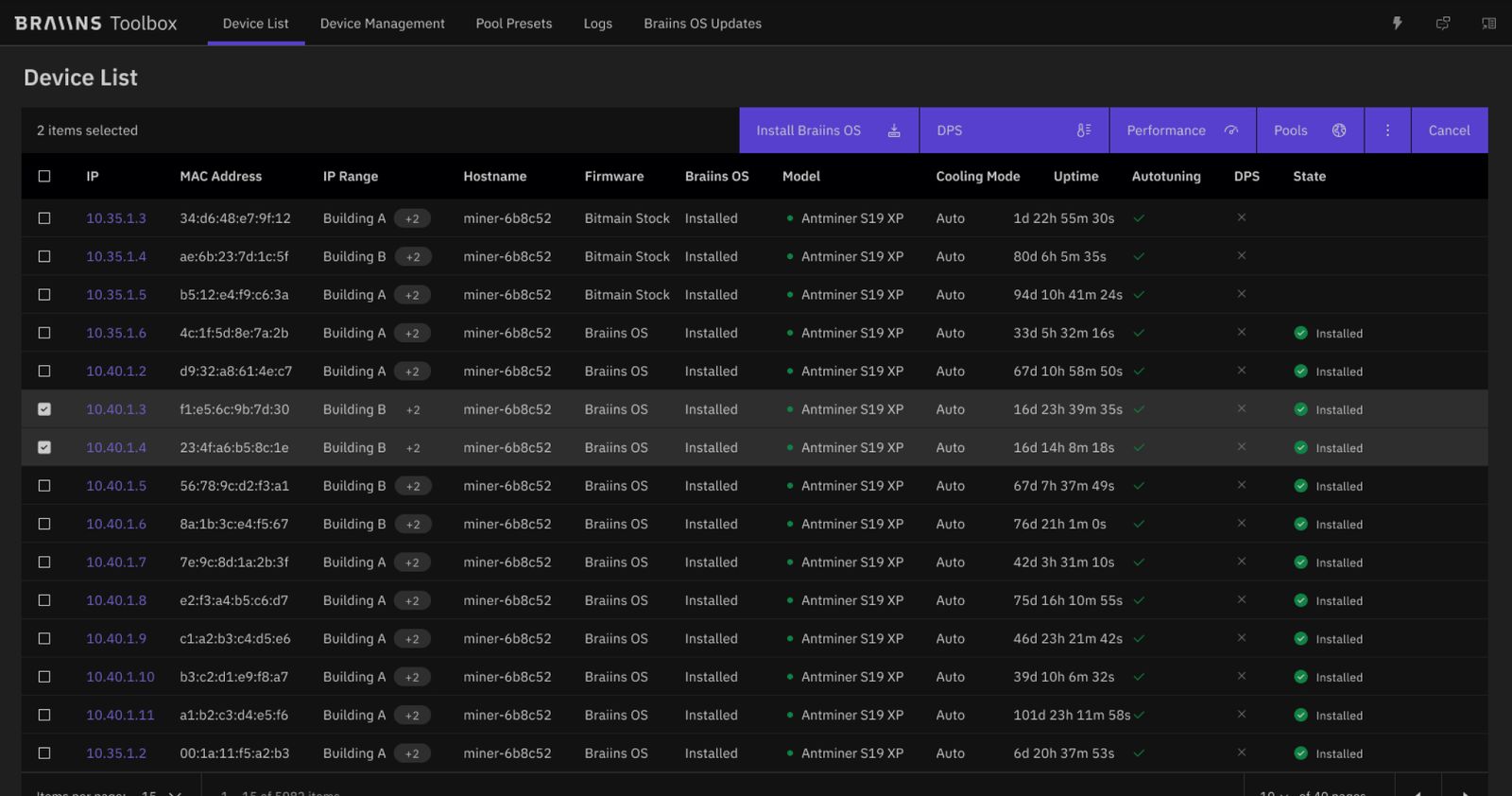
Discover miners, surface device status, and narrow groups before taking action.
Batch Braiins OS installs
Install or update supported Braiins OS devices from one workstation instead of repeating browser uploads.
Pool configuration
Apply pool and worker settings across selected miners with less manual copy-paste.
Cooling and tuning
Use recent Toolbox and Braiins OS workflows for cooling, temperature, power, and tuner-related controls where supported.
GUI and CLI
Use the graphical interface for day-to-day operations or CLI mode for repeatable scripts.
Filtering
Filter by model, control board, firmware state, and operational traits before applying changes.
Product screenshots
Main Toolbox screens
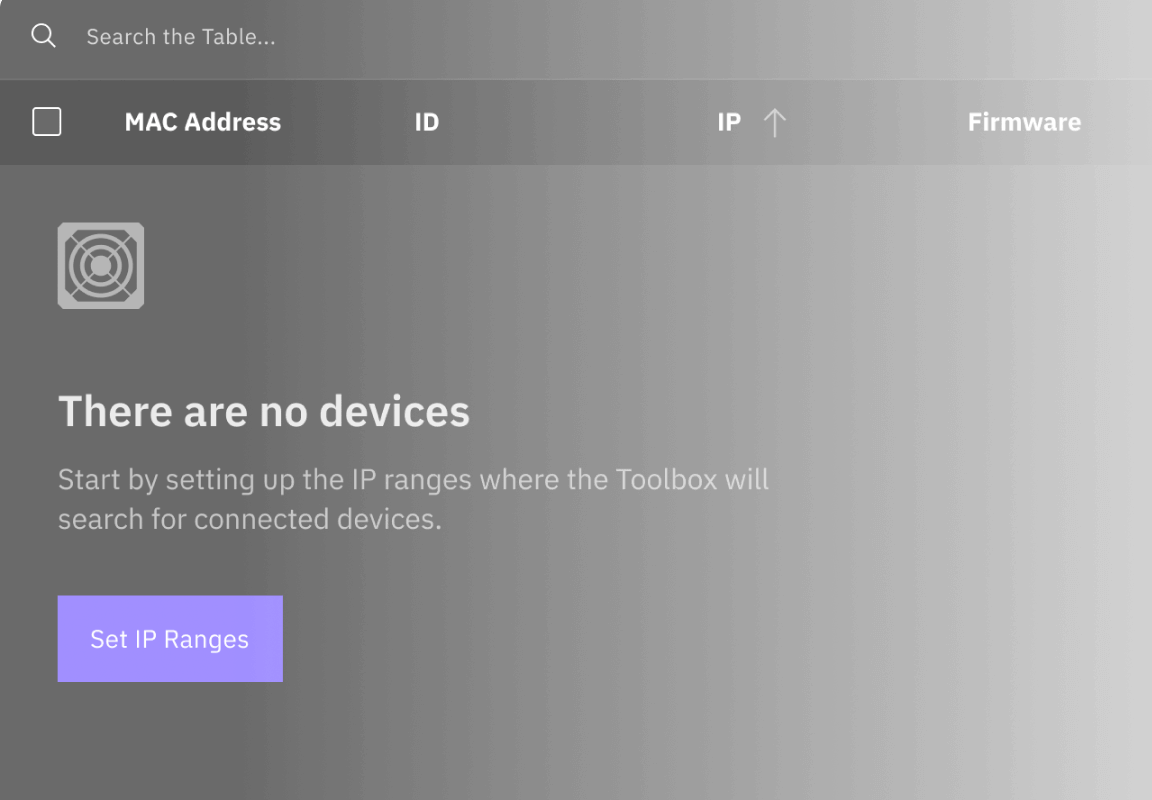
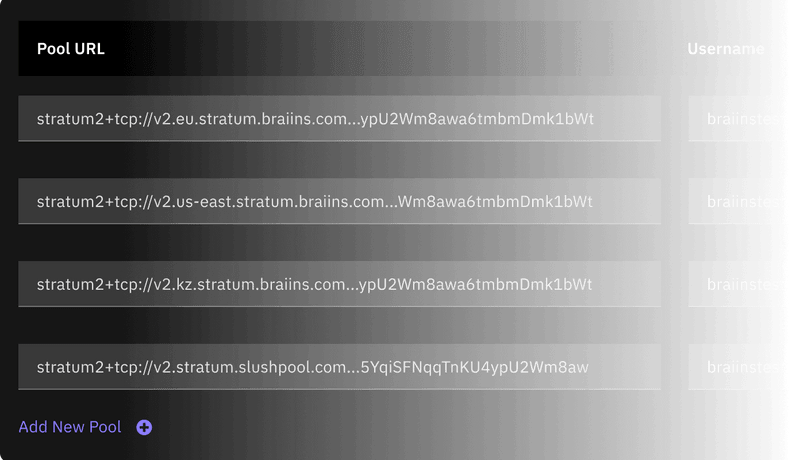
Screenshots show local device discovery, batch actions, pool setup, and Braiins OS operations.
ASIC Management Alternatives
Braiins Toolbox vs BTC Tools, HashCore Toolkit, VNISH, and IceRiver tooling
Search data shows adjacent intent around ASIC management software, BTC Tools alternatives, HashCore Toolkit, VNISH firmware, IceRiver firmware, and miner tooling. The right choice depends on whether you need firmware, monitoring, automation, or local batch deployment.
Tool
Strong fit
Main caveat
Braiins Toolbox
Local scanning, Braiins OS install/update, pool setup, CLI and GUI workflows.
Not a full cloud monitoring platform; support depends on model, board, and firmware state.
VNISH firmware
Autotune, overclocking profiles, updater workflows, and management around VNISH firmware.
Dev fee and rollback complexity need to be understood before flashing.
HashCore Toolkit
Cross-platform local ASIC management, BTC Tools alternative intent, and broader vendor positioning.
Validate exact release, documentation, supported models, and action safety before deployment.
BTC Tools
Legacy local scan, pool configuration, reboot, and ASIC management expectations.
Best treated as a legacy reference point; verify current support before relying on it.
IceRiver tooling
IceRiver firmware, downloads, setup, and vendor-specific miner support searches.
Different hardware family and intent; compare only when the fleet includes IceRiver devices.
Resource Hub
Go deeper by task, model, or competing tool
These supporting pages target the searches operators make after the first download query: compatibility, install path, verification, alternatives, and troubleshooting.
Download center
Toolbox packages, release details, platform notes, and release source links.
Open download guideBraiins OS install path
Toolbox vs SD card installs, control-board constraints, and rollout checklist.
Choose install pathSupported miners
S19, S21, S17, S9, control-board, firmware-state, and action-support boundaries.
Check compatibilityASIC software alternatives
Compare Toolbox with BTC Tools, HashCore Toolkit, VNISH firmware, and IceRiver-related tooling.
Compare toolsASIC management software
Understand local batch tools, firmware, cloud dashboards, and on-site agents before picking a platform.
Choose a categoryCheck downloads
Package commands for Windows, macOS, and Linux before running firmware tools.
Verify safelyDocs hub
Operator documentation for downloads, compatibility, rollout planning, automation, and comparisons.
Open docsCompatibility matrix
Model family, board type, firmware state, and supported action notes before a rollout.
Check matrixRollout checklist
Preflight, pilot, rack wave, observation, rollback, and audit fields for fleet changes.
Plan rolloutCLI automation
Automation guardrails for repeatable local workflows without inventing unsupported commands.
Review CLI pathRollout calculator
Estimate batch waves and observation time before applying changes across a fleet.
Use calculatorTroubleshooting
Network scan issues, no compatible devices, stock firmware limitations, and recovery paths.
Fix common issuesRelease history
Recent Toolbox release themes and why version notes matter before batch operations.
Review versionsFAQ
Questions to answer before you run Toolbox
These answers are written for operators comparing firmware and fleet-management tools, not for casual software downloads.
What is the latest Braiins Toolbox version?
As reviewed on October 4, 2026, the Braiins release page lists Toolbox 26.09, published September 14, 2026.
Is Braiins Toolbox free?
Yes. Braiins describes Toolbox as a free application. Braiins OS or other firmware economics should still be reviewed separately before flashing miners.
Does Braiins Toolbox work on stock Antminer firmware?
Braiins states Toolbox supports Braiins OS and Bitmain stock firmware for supported workflows. Compatibility can change with stock firmware versions, so confirm with current release notes before a batch job.
Does Toolbox support non-Antminer devices?
Some release notes mention broader detection, parsing, and management improvements. Braiins OS installation support remains a separate model, board, and firmware-state compatibility question.
Should I use Toolbox or an SD card image?
Use Toolbox for workstation-led scanning and batch operations. Use SD card images for supported control-board installs, recovery, or small manual workflows.
How do I verify the download?
Download the package for your workstation and confirm the version before using it for fleet operations.
What is the best Braiins Toolbox alternative?
There is no universal best alternative. The comparison covers BTC Tools, HashCore Toolkit, VNISH firmware, and IceRiver-related tooling as separate third-party references.